Set up Grok Bot.
Give it real work.
Two hours with me, phone and laptop. Your first bot, one real job. No code.
Mine has a job.
Four weeks in.
I'm not a software guy. I set Grok Bot up in September and started handing it work. These are clips I posted along the way, not a demo reel. Tap one.
That's what I built. What you get out of it depends on what you build with it. I don't promise income, savings or any result.
A little team.
Each one has a job.
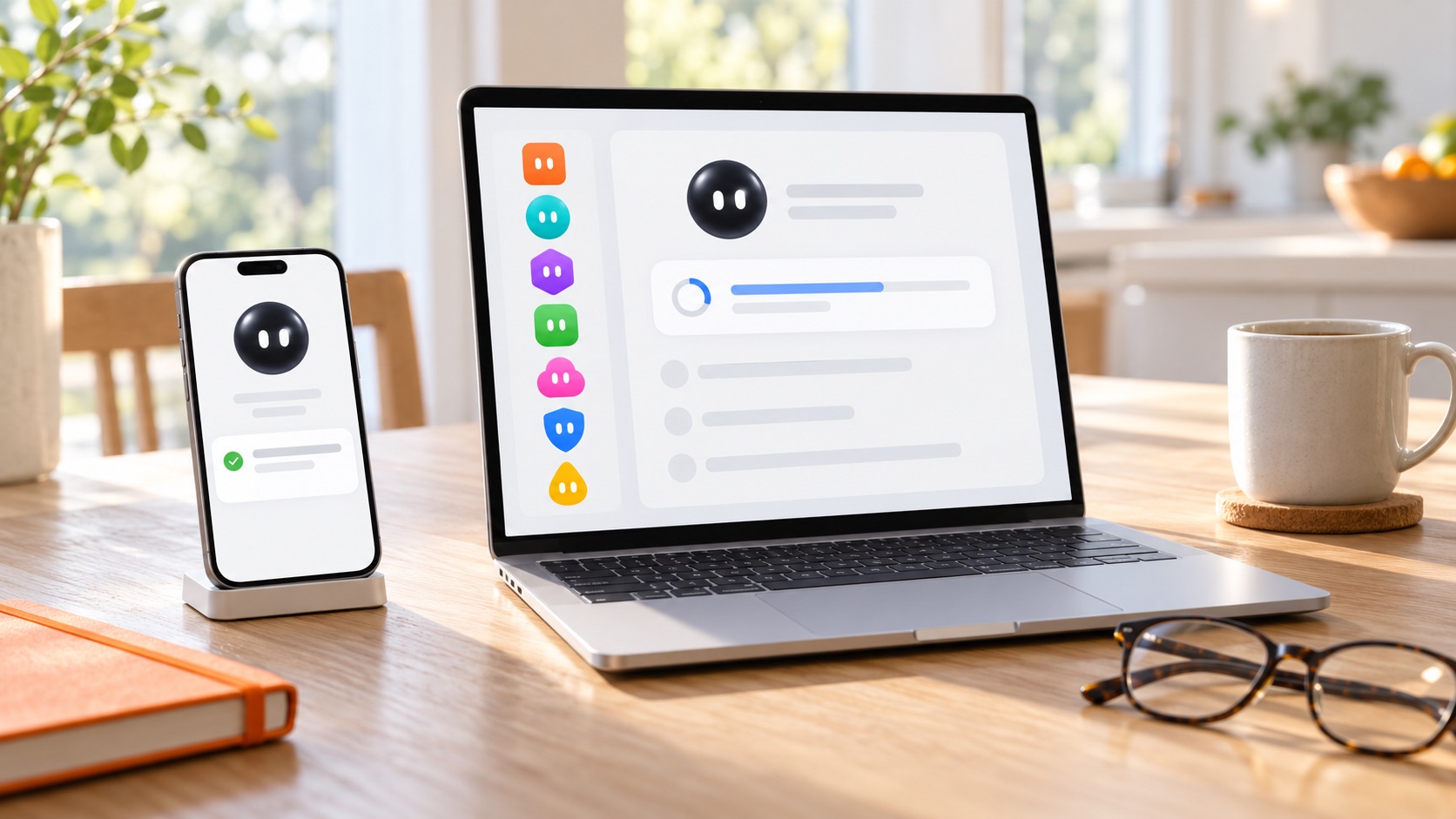
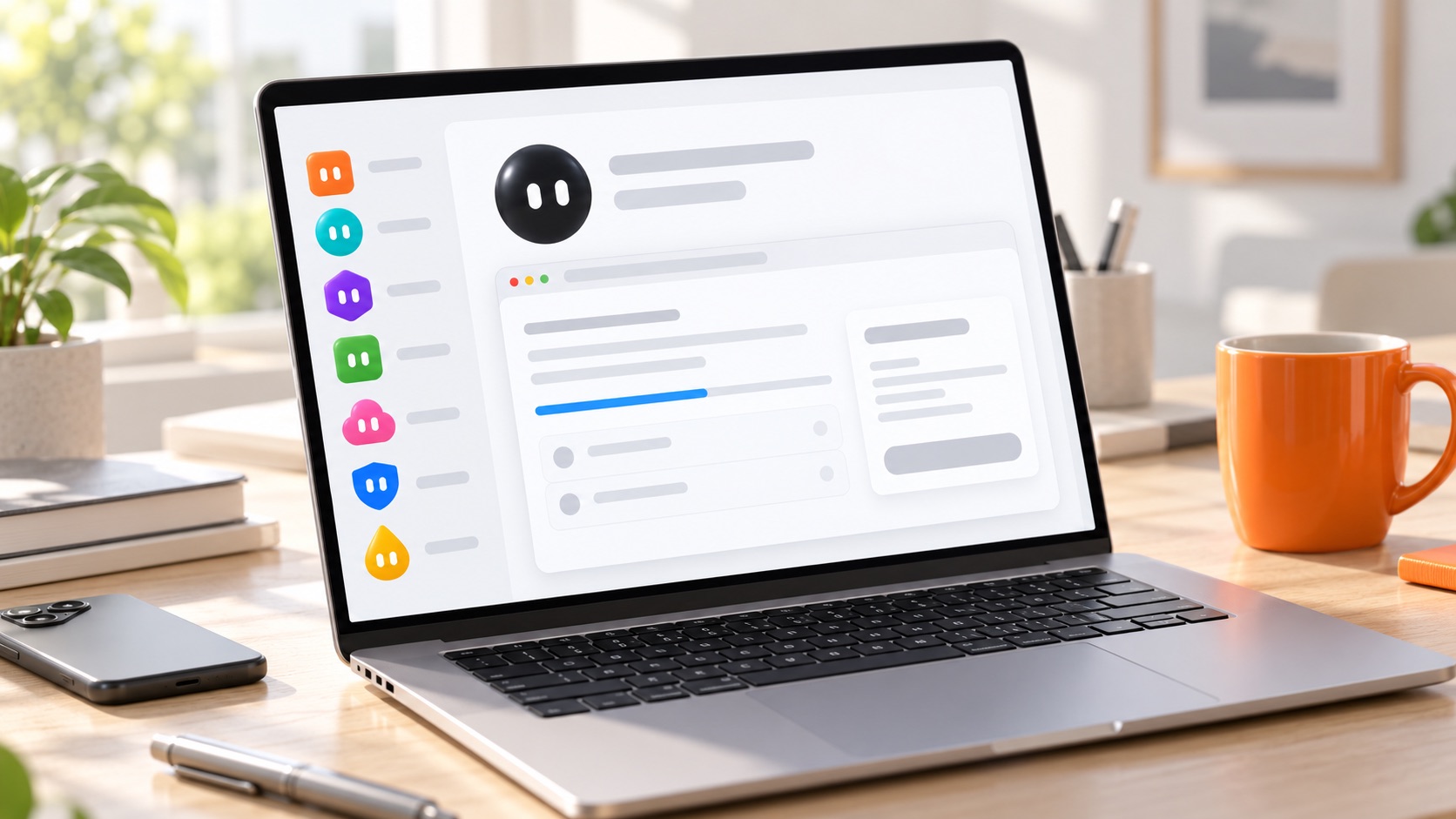
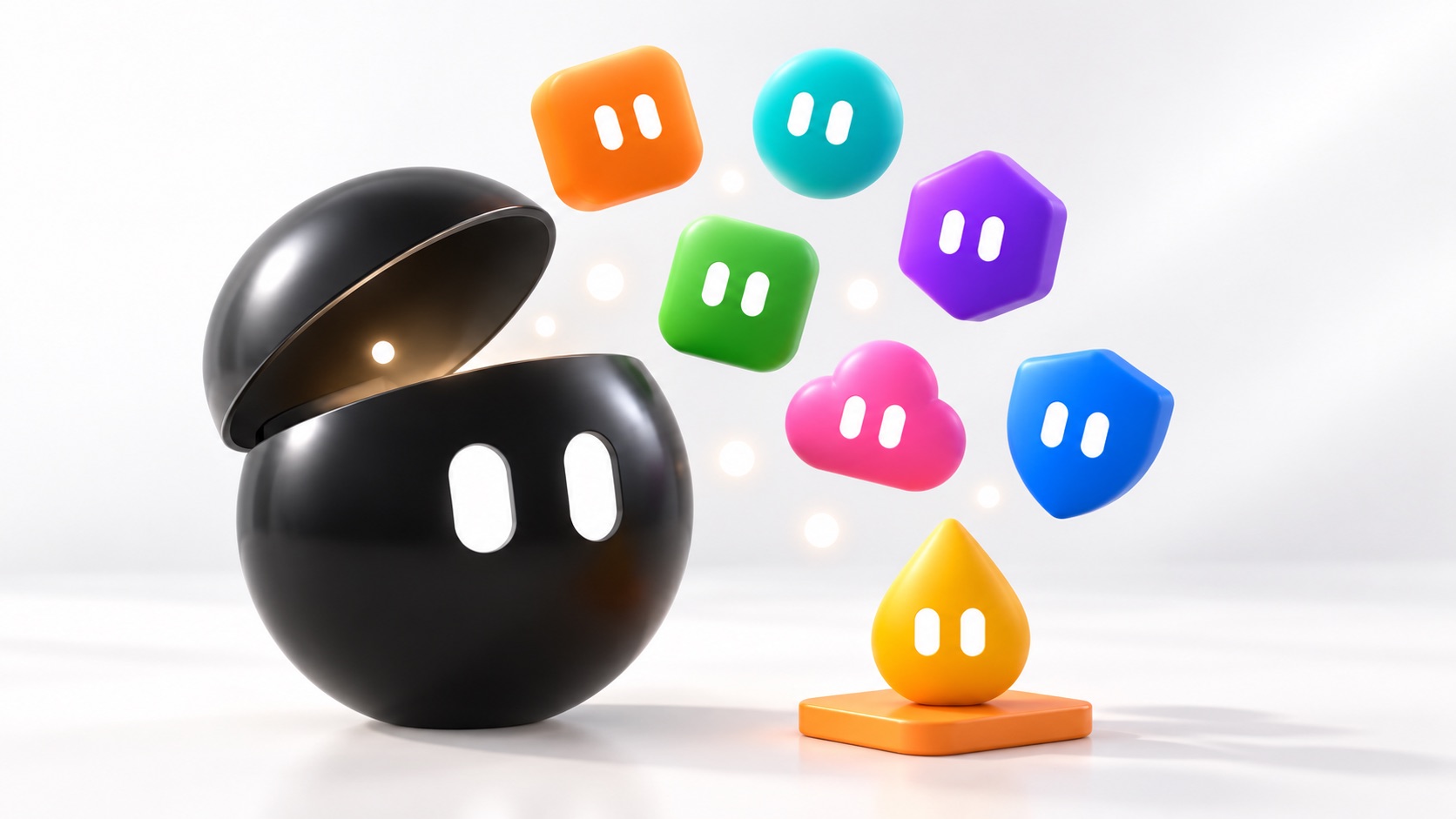
You don't chat with it. You give each bot a name and one job. It goes and does the job, then holds the result for your okay. The black one is yours. The rest you make, one at a time, as the work grows. Each one can sign in to the apps you already use: X, your email, Shopify, Notion.

These are drawings, mine, not the app's screens. In the real app you pick a shape and a colour for each bot and they look about like this. The jobs are the ones I give my bots in the course; Shopify is the one I'd give it if I sold online (it can run a store since Oct 8).
Jobs like yours.
Read this week's Google reviews and draft a reply to each, held for your okay. Turn the 40-page report into one page. Draft the thank-you emails from a sign-up sheet. Read your Notion boards back to you. Check the orders and the low stock in your Shopify store. Send a Monday roundup of your field before you've had coffee.
On your phone.
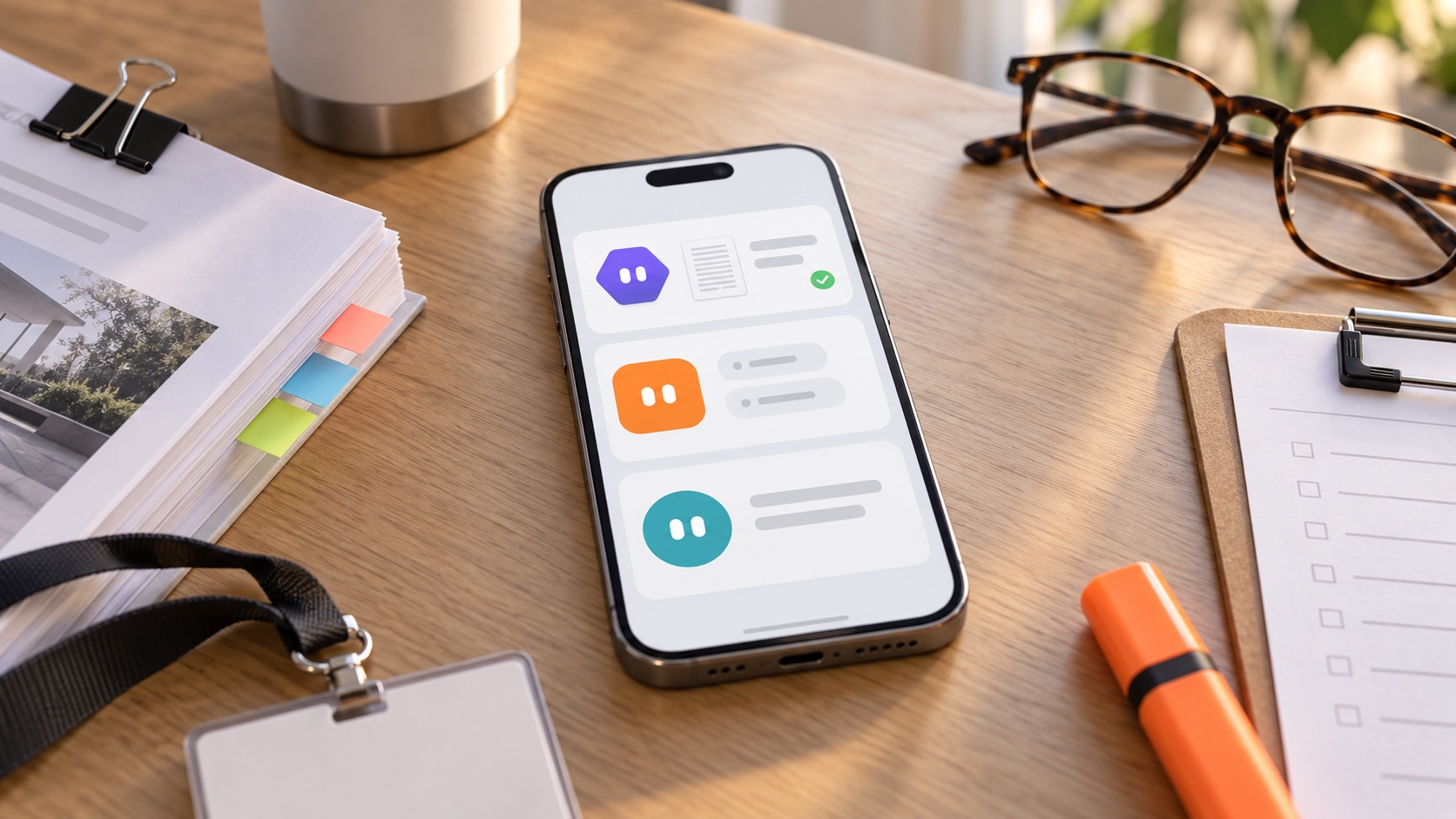
Start a job, answer its one question, approve a step, read the result. Close the app; the work keeps going. Share a photo or a link straight into a bot from the share sheet.
On your computer.
Where you set up routines, teach it by showing, and watch it work in its own window. When it needs a password, it hands you the screen and you type it yourself.
Nothing private, at first.
Your first jobs hold no names and no dollar amounts: a report, a public review, a roundup. Leads and client records come after you've seen where your stuff goes and the switches that control it (the last lesson). I show you which is which.
How it works.
Build-along lessons, filmed over my shoulder. About two hours all in. Phone in one hand, laptop open. Here's what you'll have done by the end.
Get in.
The app on your phone, the app on your computer, one sign-in. The plan you need from its maker and what it costs this week. The three switches to flip before it touches anything.
Your first bot, one real job.
A name, one job, a sentence about how it should work. Then hand it something real that holds no client records: a report to summarize, this week's reviews to answer. You read the result before anything leaves.
What's under the hood.
Grok Bot isn't one brain. Since Oct 6 it reaches for the best one for each task on its own: Claude, Midjourney, Suno and other leading AI models, all behind the one bot you talk to. And the ChatGPT or Claude you already pay for, you can connect: it sets that up itself, you sign in once. One bot can run other bots too, each with its own job. I show you what that means for you and what you still decide.
Pictures, files, the morning routine.
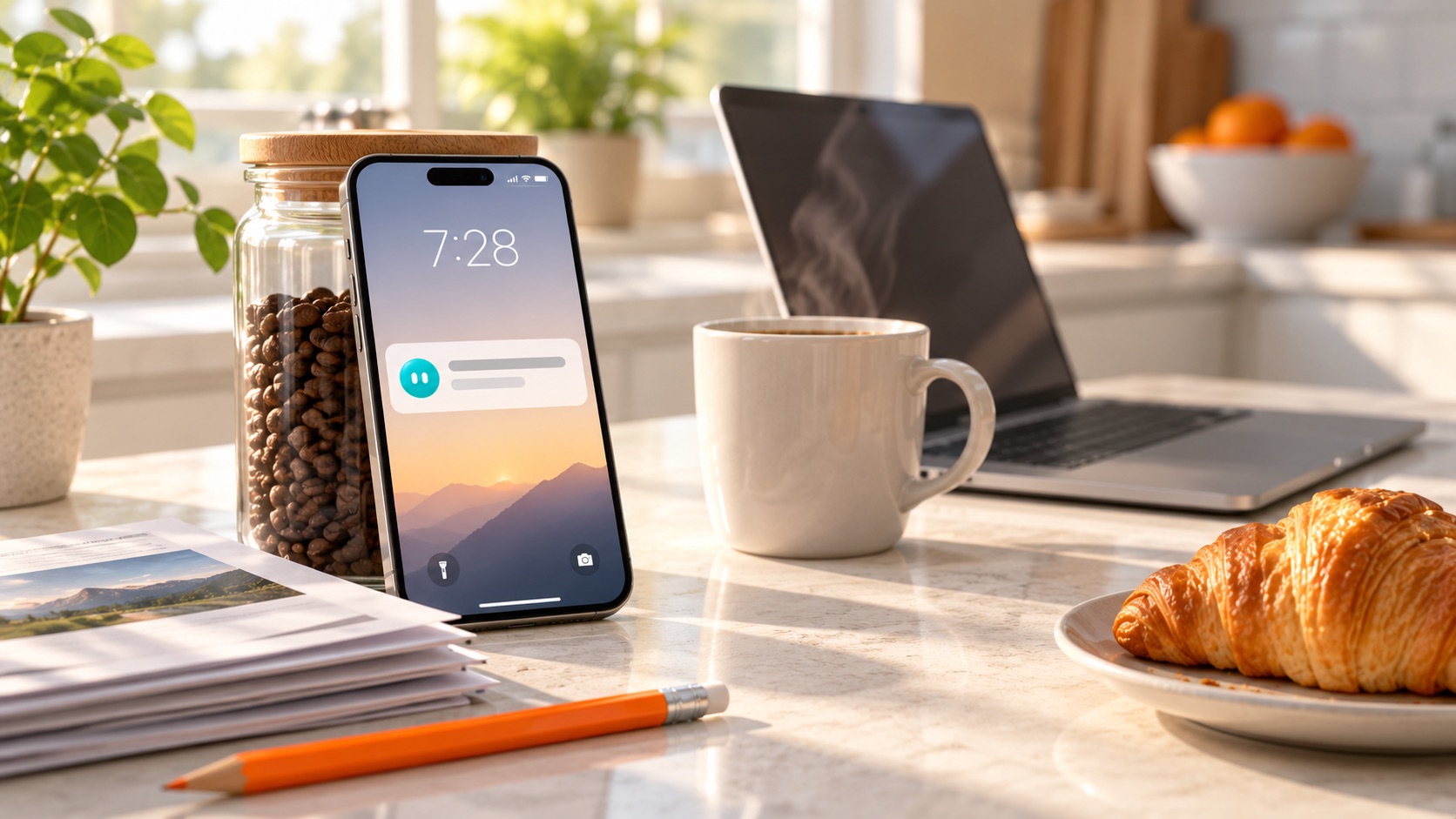
Make an image, read a stack of files, and set one routine that runs every morning without you asking. Phone buzzes, result waiting.
Keep it running. Know the bill.
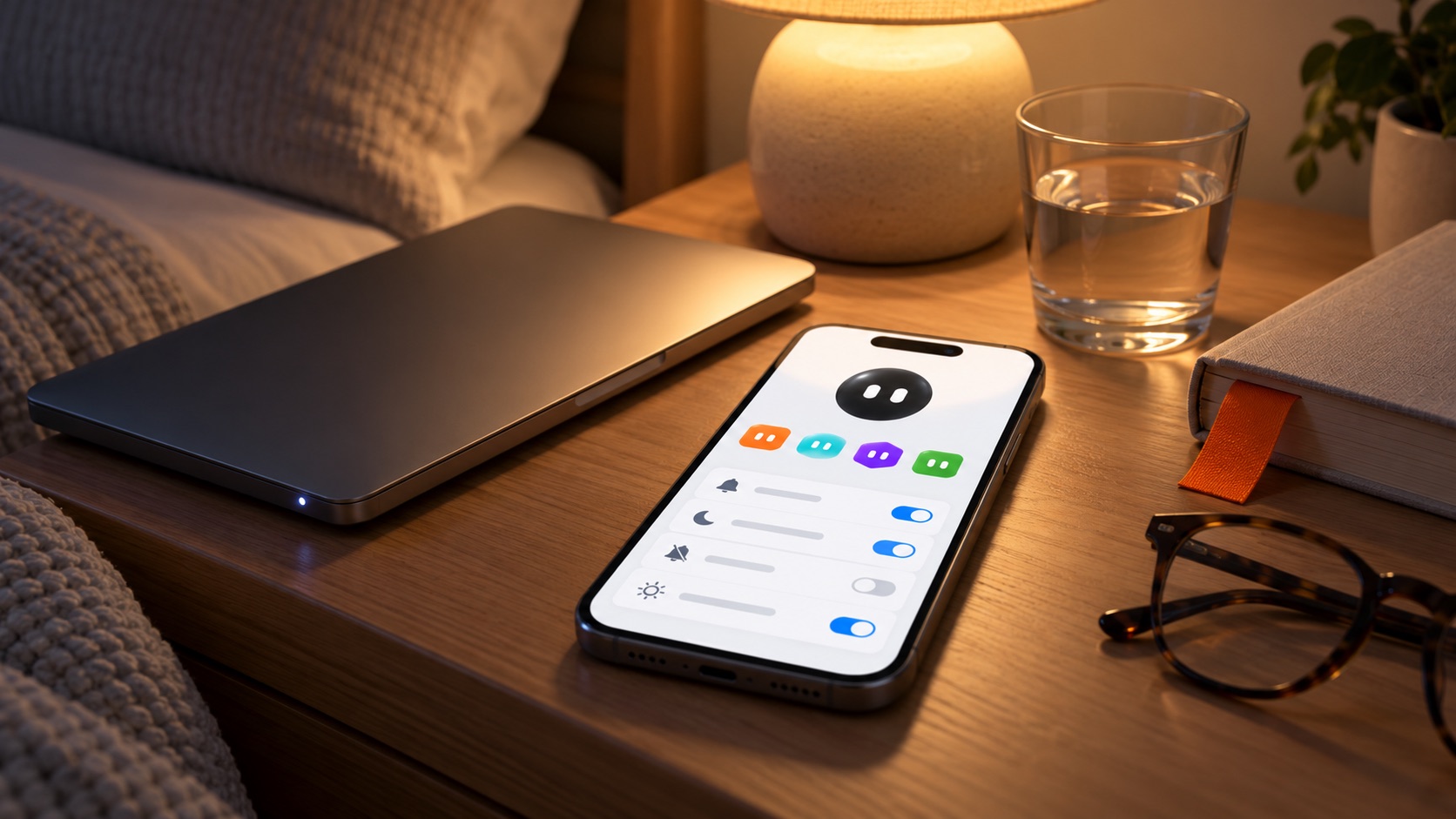
The approvals screen, the take-over button for passwords, what it can and can't reach, where your files go, and the monthly cost in plain numbers. How to pause it and how to shut it off.
One bot.
The best brain for each job, under the hood.
You talk to one bot. For each job it picks the best brain it has, on its own: since Oct 6 that means Claude, Midjourney, Suno and other leading AI models. And the subscriptions you already pay for, ChatGPT or Claude, you can connect too. Ask your bot; it sets them up on its own computer, you sign in once, and from then on it hands work to them for you. No code.



Your bot on top. Claude, Notion, Slack, Discord, ChatGPT, Chrome and your files underneath, used for you.
There's a difference between Grok Bot using its own credits to run Claude and you connecting the Claude or ChatGPT you already pay for. I teach both. Your bot controls your computer and uses these apps for you, like an employee: it signs in the way you would, does the job, and holds the result for your okay. It can hand work to the other bots too, one for the reviews, one for the calendar, one that checks the other two. You meet all of it in the under-the-hood lesson.
"You don't have to wait for Grok Bot to add Claude, OpenAI, etc. You can do it now. … Just ask your Grok Bot to connect to your AI subscriptions. … You sign in to your Claude/ChatGPT/etc once. From then on, it assigns work to other models. … Super simple."Andrew Warner, @AndrewWarner · 1:26 PM · Oct 7, 2026 · the post on X ›
Dates are when the makers announced each one; the posts are linked in "This week" below. The ChatGPT and Claude connection is from Andrew Warner's post above, a user showing his own setup, not an announcement; Notion is from mine. The app marks belong to their owners and don't mean they endorse this course.
What's included.
- Build-along lessonsFilmed over my shoulder, about two hours all in. Watch on your phone, set up on either.
- Every job description I typedThe exact words I gave my bots, in order, and what came back. Change the names.
- The setup checklistWhich plan, which app, which three settings to check before it touches anything. One page.
- Three bots, ready to pasteA report reader, a review replier (drafts held for your okay), a Monday roundup. Start from something that already works.
- The under-the-hood mapWhat runs what, where your files go, drawn plain. What it decides for you and what it still asks.
- Updated lessons through 2026When a lesson stops matching the app, I re-shoot it. You get the new one, through the end of the year.
This week alone.
It's moving fast. Here's what changed in the last four days, in their words, and where it lands in the course. The lessons are filmed on this week's version. Tap one.
Quotes are from the public posts linked on each card, read Oct 9, 2026. I don't work for them and they don't pay me.
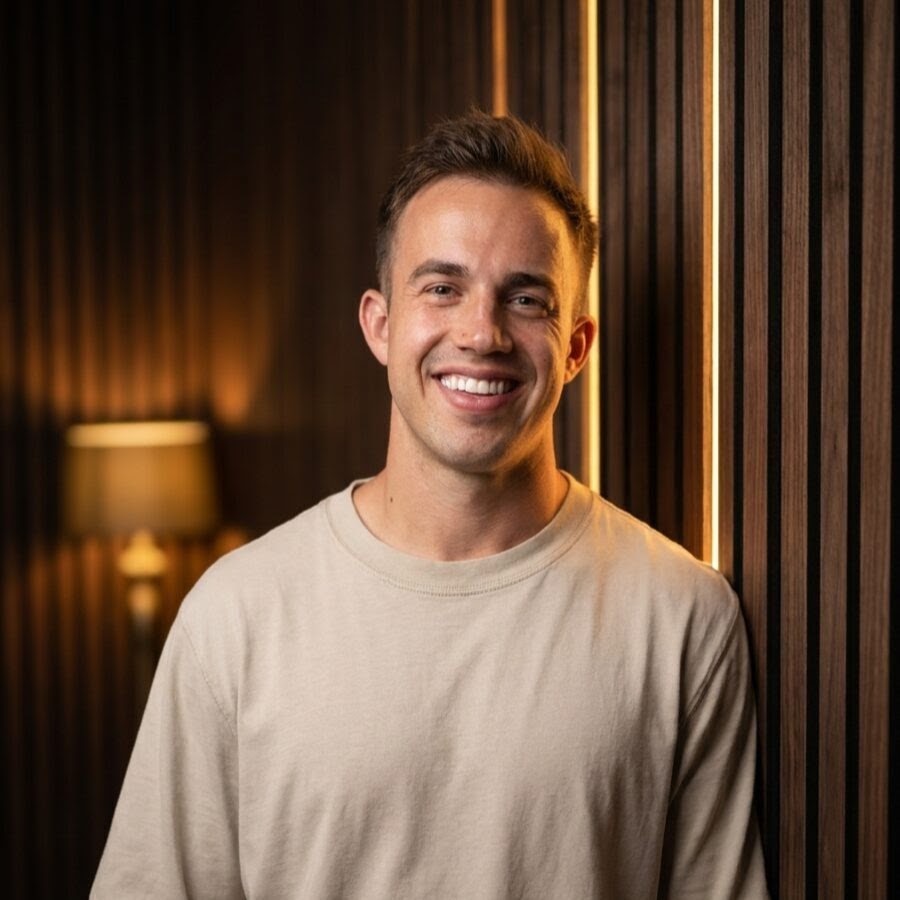
I'm Kaleb.
I run businesses, not a software company. I set up Grok Bot in September because I was tired of being the only one who knew where everything was. Now it studies my competitors, tells me what changed in my industry, and reads my boards back to me. Everything in this course I did myself first, on camera, with the dead ends cut out.
Questions.
Do I need to know how to code?
No. You write a job description in plain English, like you would for a new hire. If you can text, you can do this.
What does Grok Bot itself cost, and who makes it?
It isn't free, and you pay its maker, not me. Grok Bot is made by the company behind Grok and X, Elon Musk's, and comes with their monthly plans. The cheapest plan that includes it was about $20 a month on their website when I checked on Oct 9, 2026, or about $26 if you buy it inside the iPhone app. Call it $240 a year on top of the $69. The first lesson walks you through their current page, because it changes. I'm not paid by them.
What do I need?
An iPhone (iOS 18 or newer) or an Android phone (Android 9 or newer), and a Mac, Windows or Linux computer you're allowed to install an app on. The phone and the computer see the same bots.
My work computer is locked down. Can I do this from my phone?
Mostly, yes. You can set it up and run it from the phone app alone: give jobs, answer its questions, approve steps, read results. Two things need the computer app: editing a routine's schedule and teaching it by showing. A home computer works for those. I show both.
Which apps can it use?
It reads X with nothing to set up (Oct 7). It can run a Shopify store once you connect it (Oct 8). It has its own email address for booking and signing up (Oct 9). Its Marketplace has more, and it can sign in to a website the way you would, with you typing the password. You can also connect the ChatGPT or Claude you already pay for: ask your bot, it sets them up on its own computer, you sign in once, and it hands work to them from then on. Mine reads my Notion boards back to me; that's my own setup, so I show it rather than promise it.
Where does my stuff go?
To its maker's cloud, where your bots do the work, and since Oct 6 a task may be handled by another company's model that they pick (Claude, Midjourney, Suno and others they name). If you connect your own ChatGPT or Claude, the work you hand them runs through your own account, under that company's rules. So: if you handle patient, client or money records, start with jobs that don't include them. The review replier and the report reader in this course don't. The last lesson is the settings page, switch by switch, including what it's allowed to reach.
Is it safe to let it into my accounts?
It asks before it changes things outside its own workspace, and you can tighten that. When it hits a password or a two-factor code, it hands the screen to you and you type it yourself. You can pause any routine from the phone and shut the whole thing off.
How long does this really take?
About two hours of lessons. Your first bot with a real job comes early, in the second lesson. The morning routine is near the end.
When do the lessons open?
On Oct 16. You buy now, you're first in, and the email with your link lands that morning. If the date moves, you hear it from me first, and the 30 days don't start until the lessons do.
What if it's not for me?
Email [email protected] within 30 days and you get your money back, no form, no call. Keep the checklist.
Grok Bot is xAI's app and it's still in beta. It changes often, and it has its own price (about $20 a month today, paid to them, not me). This course teaches you to set it up and put it to work. It doesn't include the app.
Set it up tonight.
Give it one job before bed.
One payment · Apple Pay, Google Pay or card